OpenClaw Skill
Use your OpenClaw agent to save, search, and manage bookmarks in Runa from WhatsApp, Telegram, Slack, or any other messaging platform.
Installation
Install the Runa skill from Clawhub. Just tell your OpenClaw agent:
Install the runa skill from clawhub.ai/imprakharshukla/runa
Or install it directly via the CLI:
clawhub install imprakharshukla/runa
Configuration
Add your Runa API key to OpenClaw's secrets. Generate one from Settings → API Keys in your dashboard.
# Create secrets file
echo '{"api_key": "runa_sk_..."}' > ~/.openclaw/secrets/runa.json
Alternatively, set the RUNA_API_KEY environment variable.
Usage
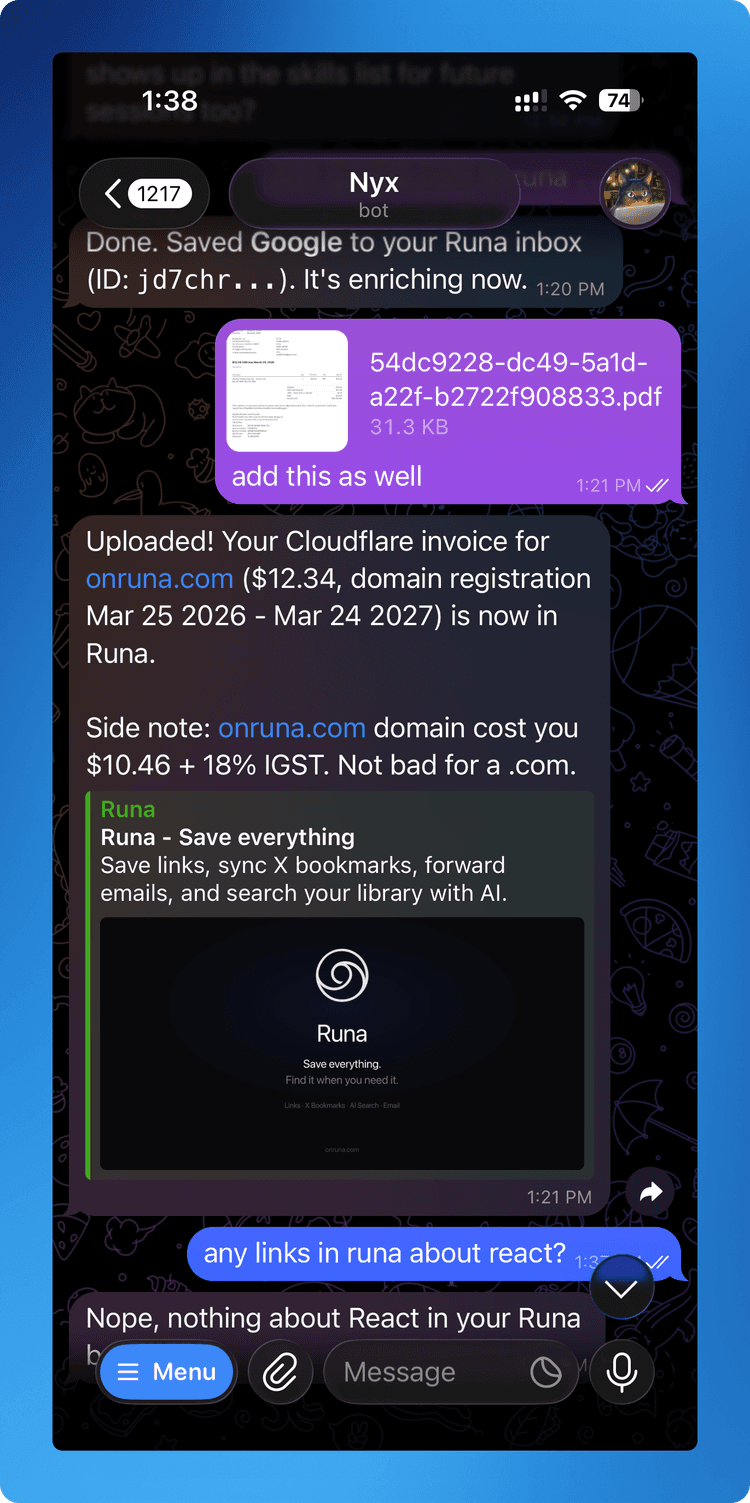
Once installed, just talk to your agent naturally. The skill triggers automatically on phrases like:
Available operations
Save any URL. Runa automatically fetches metadata, generates an AI summary, and applies tags.
View bookmarks by status: inbox, archived, or trash.
Full-text + semantic search across titles, content, and summaries. Filter by status, type, tags, date, and more.
Change title, description, status, or NSFW flag.
Permanently remove a bookmark.
Preview metadata for a URL without saving it.
Upload PDFs or images (JPEG, PNG, WebP, GIF, HEIC) up to 50MB.
Skill structure
~/.openclaw/skills/runa/
  SKILL.md              # Agent instructions + trigger phrases
  references/
    api.md              # Full API reference
Verify it works
Send your agent search my bookmarks and it should respond with your recent saves.